
First create a new page and configure your Hero webpart content as needed.
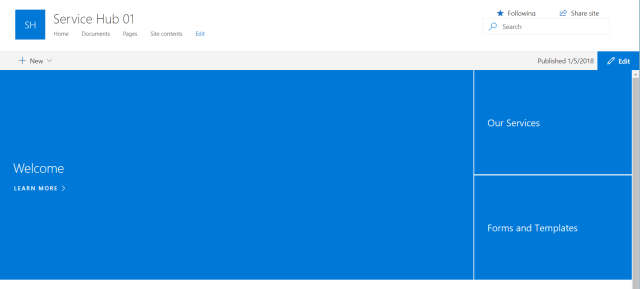
Using PnP PowerShell connect to the site and get the page:
Connect-PnPOnline -Url https://$tenant.sharepoint.com/sites/$siteUrl
$homePage = Get-PnPClientSidePage -Identity $pagename
$heroWebPart = $homePage.Controls | ? {$_.Title -eq “Hero”}
$heroWebPart.PropertiesJson

Copy this Json content and add it to the following code to update your Hero webpart, make sure the json code is in one continuous line, otherwise you’ll get error.

 My SharePoint Log