
Using SharePoint Designer 2013 we can now add simple ribbon actions to launch custom workflows
Create your custom List:
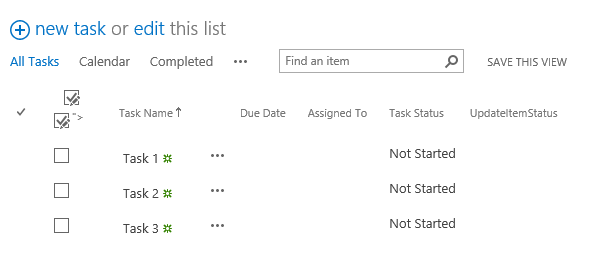
This is the normal item display ribbon:

Create your custom list workflow:

In SharePoint Designer navigate to your list | in the ribbon choose Custom Action | and the location where you want the action to show

Name your action and select “Initiate workflow”


Save it | refresh your page and you should now see your new Ribbon Action
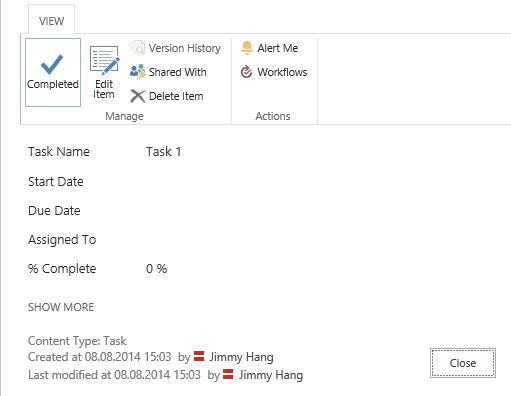
Using the Ribbon Action will trigger the workflow to update the task status.

 My SharePoint Log